
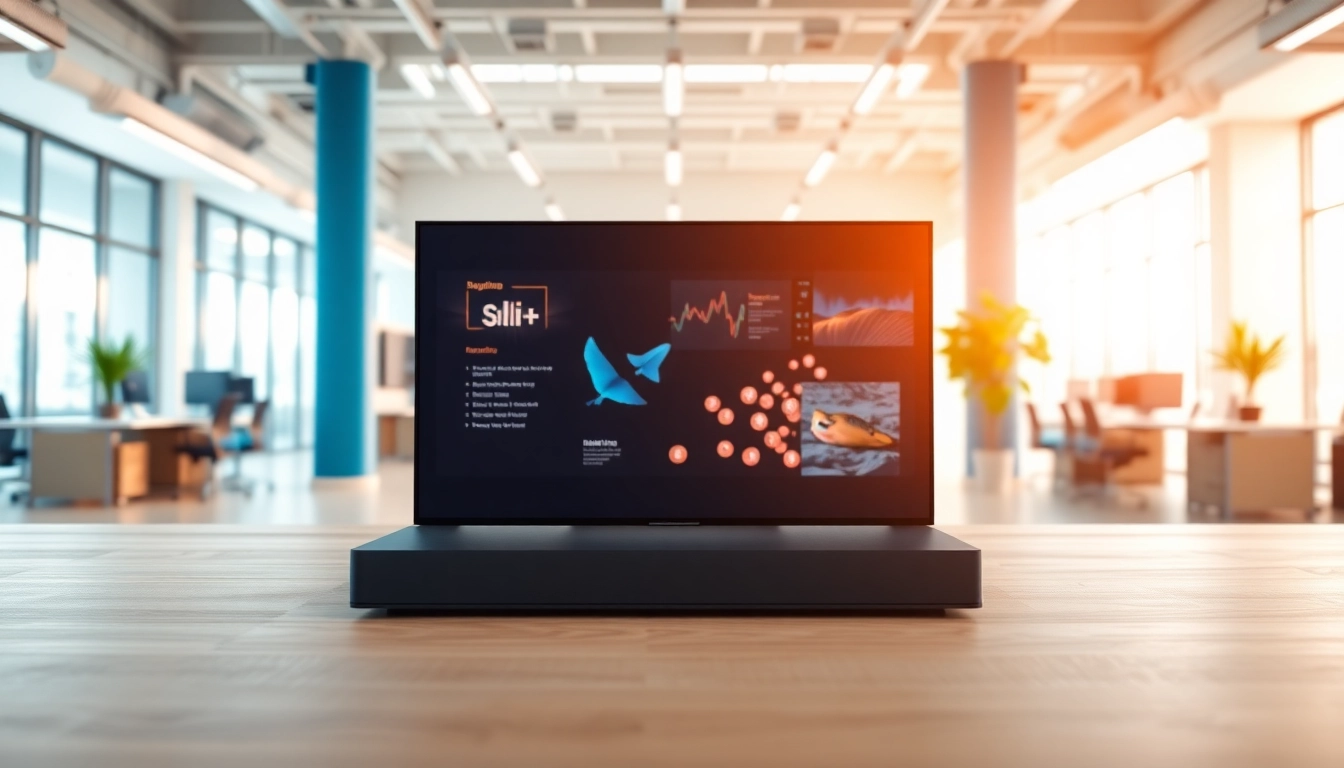
Understanding Android Digital Signage Player
What is an Android Digital Signage Player?
An Android digital signage player is a software and hardware combination that facilitates the playback of digital content on screens using the Android operating system. These players serve as the backbone of digital signage setups, enabling users to display advertisements, information, and media in real-time across various platforms, such as retail stores, corporate environments, educational institutions, and public spaces. Utilizing the power of Android, these devices leverage an intuitive interface and flexibility, allowing users to tailor their content based on specific needs and target audiences.
Key Features of Android Digital Signage Players
Android digital signage players come packed with a plethora of features that enhance their functionality and usability. Here are some key attributes:
- Content Management System (CMS): A robust CMS allows users to create, edit, and schedule content easily. It typically supports various media types, including images, videos, and web pages.
- Remote Management: Users can manage content and settings remotely, offering significant convenience, especially for businesses with multiple locations.
- Compatibility: Most Android digital signage players are compatible with a wide range of media formats and applications, allowing for customization and integration with existing systems.
- Interactivity and Engagement: Many players support touch screens and interactive content, enabling businesses to engage with their audiences more effectively.
- Social Media Integration: Players can pull content directly from social media feeds or display user-generated content, enhancing viewer interaction.
Benefits for Businesses and Organizations
The implementation of an Android digital signage player yields numerous benefits for various organizations:
- Cost-Effectiveness: Compared to traditional signage media, digital signage reduces printing costs and allows for real-time updates without additional expense.
- Increased Engagement: Dynamic content can capture the attention of audiences more effectively than static displays, potentially increasing consumer interaction and sales.
- Flexibility: Businesses can quickly update or change the displayed content according to marketing campaigns or seasonal promotions, ensuring relevancy.
- Data-Driven Decisions: By analyzing engagement metrics, organizations can better understand audience behavior and preferences, guiding future content strategies.
- Brand Consistency: Digital signage helps maintain uniformity in branding across different locations and platforms, reinforcing brand identity.
Setting Up Your Android Digital Signage Player
Essential Hardware Requirements
Before diving into installation, it’s crucial to understand the hardware requirements for an effective Android digital signage player setup. The basic requirements typically include:
- Display Screen: This can range from standard monitors to high-definition screens suitable for large venues.
- Streaming Device: This includes the Android digital signage player, usually in the form of a mini PC, media stick, or dedicated signage hardware.
- Reliable Internet Connection: A stable internet connection is essential for remote management, content updates, and media streaming.
- Power Supply: Ensure you have suitable power sources in place to maintain operation without interruption.
Step-by-Step Installation Process
Setting up an Android digital signage player can be straightforward if followed methodically. Here’s a step-by-step guide:
- Connect the Display: Securely connect the display screen to the Android player using HDMI or other compatible connections.
- Power Up: Connect the power supply to the device and turn it on. Ensure the screen powers up correctly.
- Internet Connection: Connect the Android player to your Wi-Fi network or Ethernet for a stable connection.
- Install CMS: Download and install the chosen Content Management System on your Android player, ensuring it meets your business needs.
- Upload Content: Use the CMS to upload and schedule your initial content, ensuring various formats are supported.
- Test Playback: Run a test to verify that content plays as intended, checking for any issues that may need addressing.
Common Setup Challenges and Solutions
While setting up an Android digital signage player can be simple, challenges may arise. Here are some common issues and their solutions:
- Network Connectivity Issues: Ensure your internet connection is stable and compatible with the player. Consider a wired connection if Wi-Fi signals are weak.
- Content Not Displaying: Confirm that the media formats are supported by your CMS, and check for any upload errors.
- Remote Management Difficulties: If remote management fails, ensure the correct network ports are open and that the player is connected to the internet.
- Hardware Compatibility: Always verify that your hardware meets the necessary specifications for your chosen CMS and media requirements.
Getting the Most from Your Android Digital Signage Player
Content Creation Best Practices
Creating engaging content is key to maximizing the impact of your Android digital signage player. Here are several best practices:
- KISS Principle: Keep content simple and clear. Avoid cluttering screens with too much information or multiple messages at once.
- Use High-quality Images: Invest in professional graphics or high-resolution images to maximize visual appeal and clarity.
- Limit Text: Focus on concise messaging. Use bullet points and short phrases for easy readability.
- Include Calls-to-Action: Encourage consumer interaction by including strong calls-to-action within your content.
- Test Your Content: Conduct A/B tests with different media formats and messaging styles to identify what resonates best with your audience.
Integrating Social Media and Live Feeds
Integrating social media feeds into your digital signage can dynamically enhance audience engagement. Here’s how to do it effectively:
- Select Appropriate Platforms: Choose social media platforms that align with your audience and are visually appealing when displayed digitally.
- Use Hashtags and User-Generated Content: Highlight branded hashtags and showcase user-generated content to foster community interaction.
- Monitor and Update. Regularly update feeds to keep content fresh and relevant; leaving outdated content may discourage engagement.
- Maintain Brand Voice: Ensure that all social media integrated content reflects your brand’s voice and mission.
Analyzing Audience Engagement
Evaluating how audiences interact with your content can provide invaluable insights for future strategies. Employ these practices to analyze engagement:
- Use Analytics Tools: Incorporate analytics software to gather data on viewer interactions, including dwell time and call-to-action clicks.
- Conduct Surveys: Engage viewers through surveys on their content preferences to gather direct feedback.
- Experiment with Content Types: Regularly test different media types and messages to decide what garners the most engagement.
- Review Content Scheduling: Analyze viewer engagement based on different times and days to optimize your content scheduling.
Comparing Android Digital Signage Player Options
Factors to Consider When Choosing a Player
When selecting an Android digital signage player, several factors should influencethe decision-making process:
- Performance: Evaluate the processing power, RAM, and storage capacity to ensure smooth operation, particularly for video-heavy content.
- Software Compatibility: Check that the player supports the CMS you intend to use, including integration capabilities with other tools.
- Ease of Use: A user-friendly interface is essential for quick content management and system navigation, especially for non-technical users.
- Scalability: Consider whether the player can accommodate growth, allowing for expansion as your digital signage needs evolve.
- Support and Warranty: Assess the level of customer support provided and the warranty options to safeguard your investment.
Price vs. Features: Finding the Right Balance
Striking a balance between cost and features is vital when selecting an Android digital signage player. Here’s how to navigate this:
- Conduct a Needs Assessment: Evaluate your specific requirements, such as content types and display needs, to determine essential features.
- Weigh Long-Term Value: Consider the long-term benefits of features versus their initial costs. Sometimes, a more expensive option may save money in the long-term by reducing operational issues.
- Explore Bundle Options: Some suppliers offer bundled services that can enhance value, including software and analytics, often at a reduced rate compared to itemized purchases.
- Prioritize Reliability: Opt for well-reviewed options known for reliability over the cheapest option, as malfunction can lead to significant losses during display periods.
User Reviews and Feedback Overview
To inform your decision, reviewing user feedback on various Android digital signage players can provide real-world insight into performance and reliability:
- Read Multiple Reviews: Gather information from different platforms to understand both strengths and weaknesses effectively.
- Follow Up with Current Users: Engaging with current users can elicit detailed insights into ongoing operational experiences, which can help in making informed choices.
- Watch for Common Issues: Identify recurring problems mentioned in reviews to avoid potential pitfalls with particular models.
- Seek Recommendations: Don’t hesitate to ask professional networks or industry peers for their recommendations based on practical experience.
Future Trends in Digital Signage
Emerging Technologies Impacting Digital Signage
The digital signage landscape is evolving rapidly, influenced by various emerging technologies. Key trends to watch include:
- Artificial Intelligence: AI is facilitating advanced audience analytics, allowing for highly targeted and personalized content delivery.
- Cloud Computing: The shift to cloud-based platforms is simplifying content management and enabling remote updates effortlessly.
- Augmented Reality (AR): Integrating AR experiences allows for enhanced interactivity and immersion, capturing viewer attention in unique ways.
- Integration of IoT: Internet of Things (IoT) devices can work with digital signage for real-time data display, creating more dynamic visual experiences.
Predictions for Android Digital Signage Players
As technology progresses, so too will the capabilities and functionalities of Android digital signage players. Predictions include:
- Increased Demand for Customization: The need for businesses to personalize displays will drive more players to offer extensive customization options.
- Enhanced User Experiences: As competition grows, manufacturers will focus on integrating user-friendly interfaces and advanced features that enhance the viewing experience.
- Growth of Mobile Integration: The future will likely see a rise in mobile phone integration for seamless content sharing and management from handheld devices.
- Data-Driven Insights: The ability to analyze real-time viewer engagement data will become standard for most Android digital signage solutions.
Strategic Planning for Long-Term Success
Strategizing for future success in digital signage involves several essential components:
- Continual Training: Regular training for staff on new features can ensure that your organization maximizes its digital signage investment.
- Regular Content Updates: Establish a content review schedule to ensure that displays remain current and appealing to audiences.
- Flexible Strategy Development: Stay adaptable to emerging technologies and trends in digital signage; what works today may evolve tomorrow.
- Community Engagement: Maintain an open line of communication with your audience to facilitate feedback and gauge what content excites them.









Leave a Reply